What does Sub Manager do?+
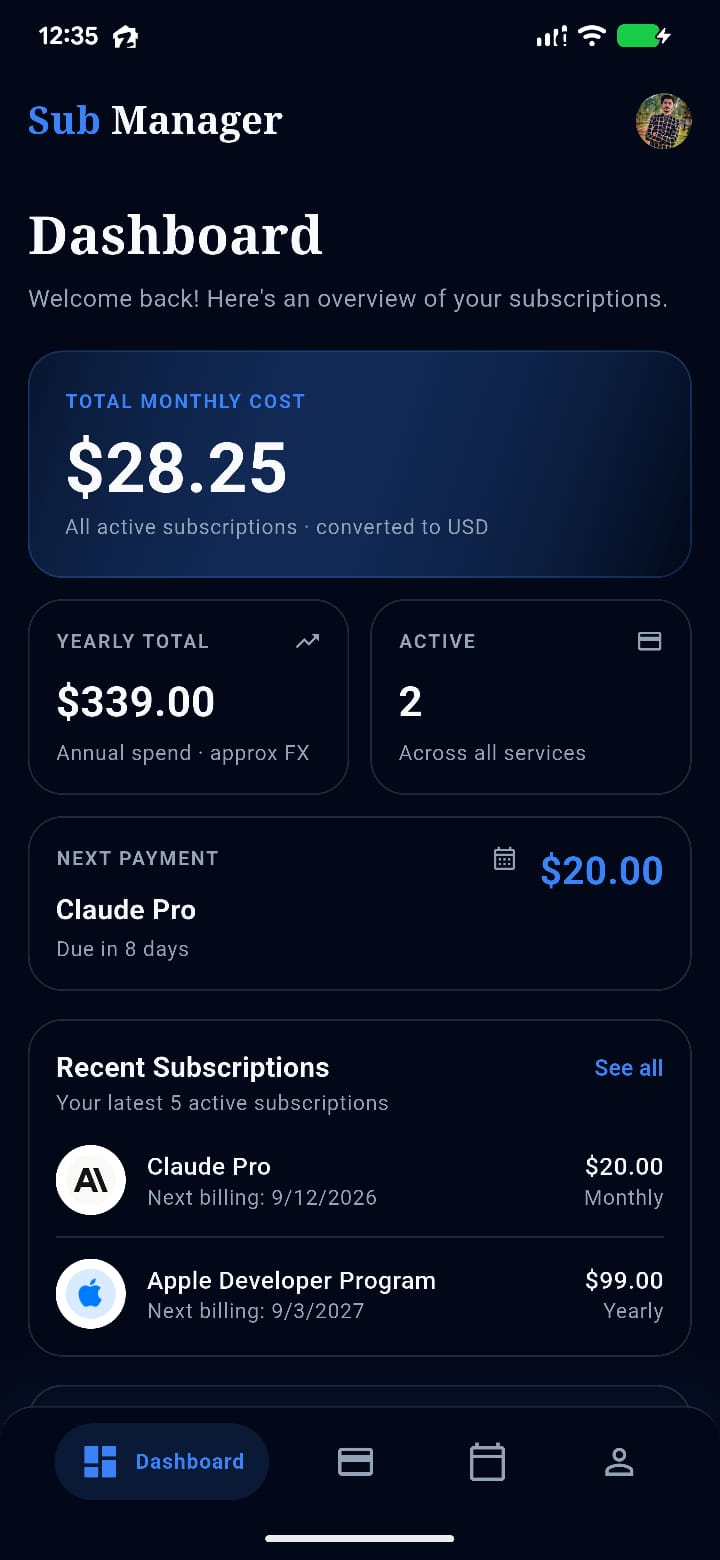
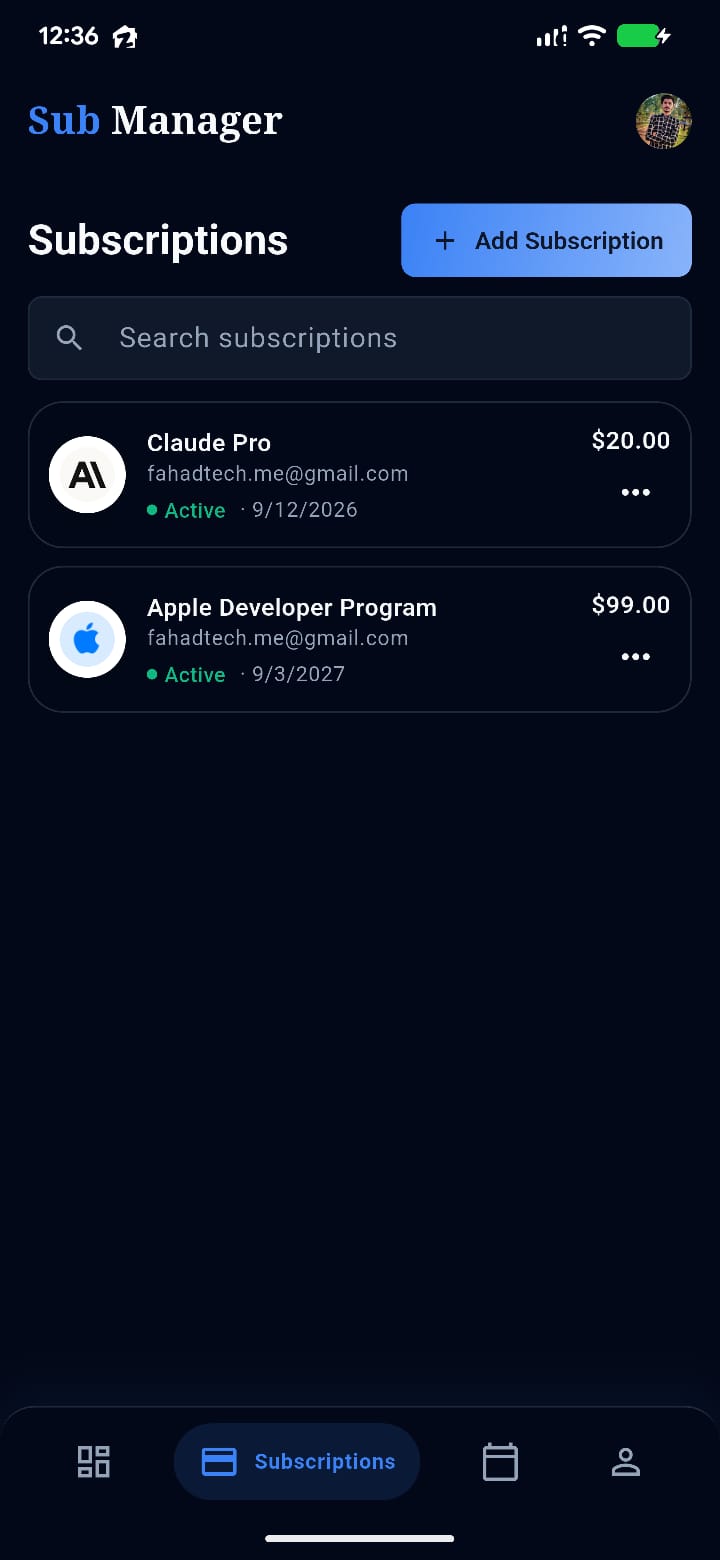
It tracks subscriptions you add manually or import from Gmail, with a dashboard, category spending estimates, a renewal calendar, and local reminders. It does not charge you for the services you track or monitor your bank account.
How do I create an account or sign in?+
Register with your name, email, and password, or sign in to an existing account. Android offers Google sign-in; iOS offers Sign in with Apple. You can change your display name and password. Use Forgot password for a reset email, and open the latest reset link on the same device.
Do I have to connect Gmail?+
No. Manual tracking works without Gmail. From Profile, open Connect Gmail, authorize your chosen account, and start a scan if you want receipt detection.
What Gmail information can the app read?+
Google grants broad read-only mailbox permission, rather than access limited to subscription messages. Scans search for billing-related messages and can fetch headers, snippets, bodies, and invoice PDF attachments. Parsing happens on your device; detected subscription details are saved to Supabase and cached locally. The app does not send or modify email. See the
Privacy Policy.
Are scan results saved automatically?+
Yes. Starting a scan can automatically import detected records, with additional results loading while the app runs. Detection can miss receipts, misread an amount or date, or include a purchase that is not recurring. Review the list, edit incorrect records, and delete unwanted ones. There is no continuous mailbox monitoring service.
What happens when I disconnect Gmail?+
Disconnecting hides that address’s imported records and clears local connection and scan markers. It keeps saved records in Supabase and the subscription cache; reconnecting the same address can show them again. Disconnecting does not revoke Google authorization. Revoke access in your Google Account connections, and request saved-data deletion separately.
What currencies and billing cycles are supported?+
Manual entry supports USD, EUR, GBP, CAD, AUD, PKR, and INR, with weekly, monthly, quarterly, and yearly billing cycles. Imported receipts may include JPY. Converted spending totals use fixed approximate exchange rates, not live rates or confirmed bank charges.
How do reminders work?+
On a subscription’s detail screen, choose seven days, five days, one day, or one hour before its renewal. Allow notifications in device settings. Reminders are scheduled locally using your device time zone and can be delayed or suppressed by the operating system. There is no access to your system calendar or GPS location.
Is the app free, and does it show ads?+
Tracking is available without a Premium purchase. Eligible free users can see AdMob banner, native, interstitial, or startup ads where configured. Monthly and yearly Premium plans suppress ad placements when active status is recognized. Prices come from the store purchase screen; no free trial is promised. The ads SDK can initialize even when no ad appears.
How do I restore, manage, or cancel Premium?+
Use Restore purchases on the Premium screen with the store account used for the purchase. Manage renewal, cancellation, and refund requests through Apple App Store or Google Play subscription settings. Deleting tracked records, uninstalling, or requesting account deletion does not cancel Premium. See
billing terms.
Can I cancel a tracked subscription from the app?+
Manage opens the subscription’s saved website or a catalog website in your browser. You must cancel or change the subscription with that merchant. Marking a record inactive or deleting it only changes your tracker; it does not change the merchant’s billing.
Where is my data stored, and can I use the app offline?+
Accounts and subscription records use Supabase. The app keeps a local subscription cache for viewing when server reads fail; sign-in, scanning, saving edits, and store checks need connectivity. Local caches and preferences are not configured with app-level encryption. Online requests and advertising may be processed by service providers; see
privacy details.
How do I delete my account or saved data?+
Delete individual records from the subscription list. For account deletion or removal of saved Gmail imports, follow
account and data deletion instructions and email the privacy contact with your account address and request scope. There is currently no in-app account deletion control. Signing out or disconnecting Gmail does not erase your stored records.
What if scanning, sign-in, or purchases fail?+
Check your internet connection and the selected Google, Apple, or store account. Reconnect Gmail if authorization has expired, and restore purchases if Premium is not recognized. If receipts are missing, add them manually. Contact
subscriptionsmanager.tech@gmail.com with the platform, app version, and error message. Do not send passwords, authentication links, full inbox exports, or card details.
Where can I download the app?+
The website is preparing for iOS and Android store submissions. The download buttons remain marked Coming soon until verified store links are available. Email the existing launch contact if you want to hear when it is released.